A loyalty card that lives in your guests' phones.
Guests scan a QR code at your counter, type their first name and keep your card in Apple Wallet or on their home screen. No app to download, no email to give. You add a stamp from your own phone.
Free for your first 2 customers. Then $39 a month, or $29 a month billed yearly.

Sam, 3 of 10 stamps
10 stamps = A free coffee
10% off every order for members
An example card. Stamp it the way you would at the till.
Paper cards get lost. Apps don't get downloaded.
A paper card ends up in a drawer, in the wash, or in the wallet your guest left at home. And few people will install an app for one café.
VuediaCards puts your card where your guest already looks: the Wallet on their iPhone, or their home screen. A first name is all it takes to join, and you can reach them again with an offer without ever asking for an email address.
Nothing to download. Three steps for your guest.
They scan your QR code
With the phone's camera, at the counter or at the table.
They type their first name
No email, no password, no account. A birthday only if you choose to ask.
They keep the card
“Add to Apple Wallet” on iPhone. On other phones the card stays on the home screen.
Set up from your phone. Three steps for you.
Create your card
Your business name, your address, the reward and a design. You see the card while you build it.
Print your QR code
Put it by the till or on the tables.
Stamp at each visit
Scan the guest's card with your phone, or tap their name in your list.
What is on the card, and what you get behind it.
Stamps or store credit
Choose how guests earn. With stamps, each visit adds one and a full card gives a reward, for example 10 stamps for a free coffee.
With store credit, guests earn as they spend, for example spend $100 and get $10, and use the credit on a later visit.
A perk for every member
Give members something from the first visit, such as 10% off every order. The perk is written on the card, so your guest and your team both see it.
A card that looks like your place
Pick one of sixteen photos by cuisine, a plain color, or upload your own photo. Add your logo, and let the card take its color from it.
Your address is on the card, so a guest can find their way back.
A QR code for the counter and the tables
You print one QR code. Every guest who scans it gets their own card. No cards to order, no reprint when the pile runs out.
One tap at the till
Scan the code on the guest's card with your phone, or tap their name. One tap is one stamp. When the card is full, tap “Give the reward”.
With store credit you add the purchase, or take credit off when the guest uses it.
Your list of regulars
See every member with their progress, their last visit and their birthday if you ask for it. You know who comes back and who hasn't been in for a while.
Offers sent to the card
Write an offer and it appears on your guests' card, in their Wallet and on their card page. iPhones show it on the lock screen.
You choose who gets it, and you can send one offer per hour at most, so your guests are not flooded.
Birthdays, if you want them
The card can ask for a birthday: not at all, as an option, or as a must. Day and month only, never the year. Then send a birthday offer to the guests born this month.
In Apple Wallet, or on the home screen
On iPhone the card sits in Apple Wallet next to the guest's payment cards, and it updates by itself after each stamp.
On other phones the guest keeps the card page on the home screen. Either way there is no app to install and no account to create.
What owners ask first.
- “My guests won't download another app.”
- They don't have to. The phone's camera opens the card. That is the whole installation.
- “I don't want to ask my guests for their email.”
- You won't. Guests join with a first name. The card never asks for an email address or a password.
- “My team has no time during the rush.”
- Adding a stamp is one scan or one tap on the phone you already have at the till.
- “My till doesn't connect to anything.”
- It doesn't need to. VuediaCards runs in your phone's browser, next to the till you have.
- “What if I stop?”
- Cancel anytime. The cards your guests already have keep showing. You just can't add stamps or send offers until you subscribe again.
A paper card, or VuediaCards.
| Paper card | VuediaCards | |
|---|---|---|
| A guest forgets the card | No stamp today, or a second card that never fills up. | The card is in the phone they came with. |
| Reaching your guests | No way to tell them anything. | Send an offer straight to the card. |
| Knowing your regulars | You go by memory. | A list with each guest's progress and last visit. |
| Guests who stopped coming | You never find out. | Send an offer to those you haven't seen in the days you choose. |
| Printing | A new batch each time the pile runs out. | One QR code, printed once. |
| Who adds the stamps | Anyone holding the stamp. | Only someone signed in to your account. |
Sixteen designs, one for each kind of kitchen.
Pick the one that fits, or use your own photo and logo.
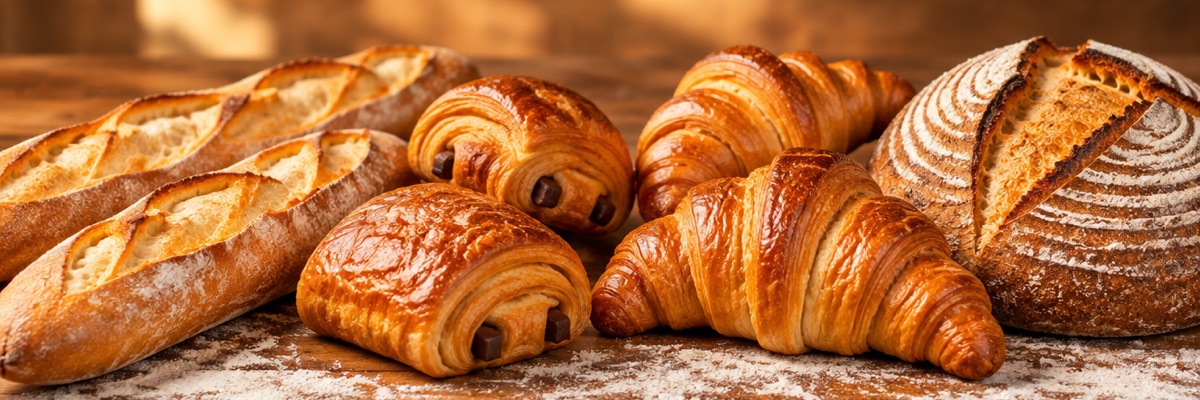 Bakery
- Café
 Pizza
 Burgers
 Burgers and pizza
 Sushi
 Ramen
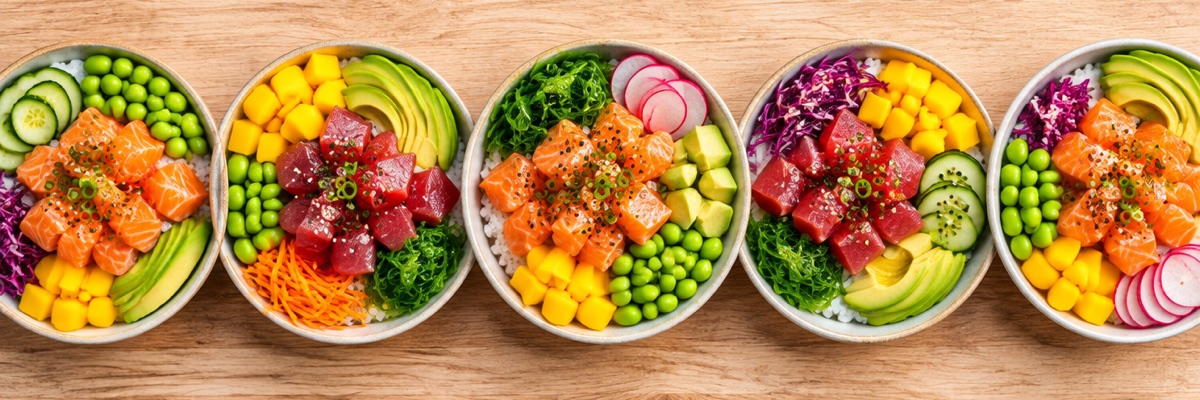 Poke
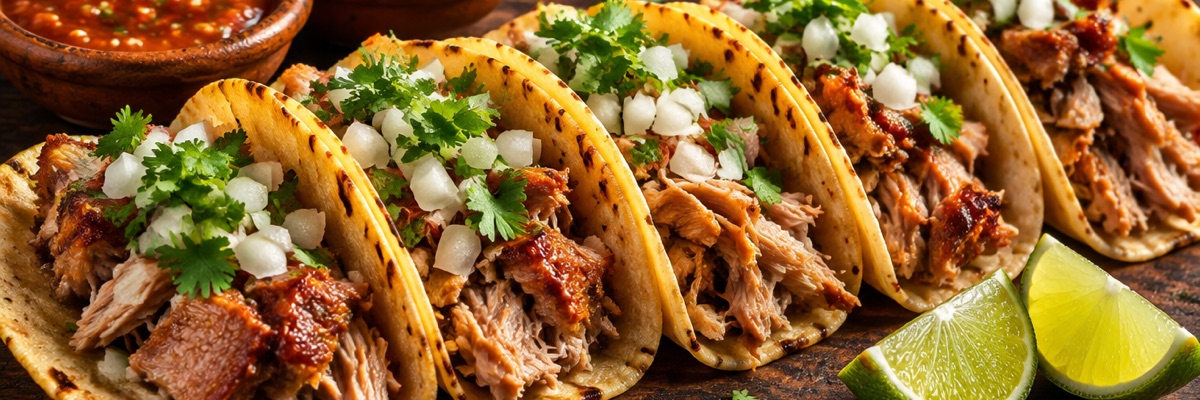 Tacos
 Kebab
 Indian
 Steak
 Salads
 Crêpes
 Desserts
 Bubble tea
Free to try. One price after that.
To start
$0
Your first 2 customers
- Every feature, Apple Wallet included
- Enough to test the card on your own phone and a colleague's
- No payment details to start
From your third customer
$39
a month, or $29 a month billed yearly ($348). In Europe: the same numbers in euros, excl. VAT.
- Unlimited customers
- Stamps or store credit, offers and birthdays
- No setup fee, no commission, cancel anytime
You subscribe from your account when you are ready. If you stop paying, your guests' cards and Wallet passes keep showing; you can't add customers, stamps or offers, or edit the card, until you subscribe again.
Questions and answers.
Do my guests need to download an app?
No. They scan your QR code with the phone's camera and the card opens. On iPhone they can add it to Apple Wallet; on other phones they keep it on the home screen.
What do guests have to give to join?
A first name. If you turn birthdays on, the day and the month too, never the year. No email address and no password.
Does it work on Android phones?
Yes. The card opens as a page and the guest keeps it on the home screen. Apple Wallet is for iPhone.
Do I need a scanner or a new till?
No. You use your own phone: its camera reads the code on the guest's card. There is nothing to plug into your till.
How do I add a stamp?
Open your account, then scan the guest's card or tap their name in your list. One tap is one stamp. When the card is full, tap “Give the reward”.
Can I give store credit instead of stamps?
Yes. Choose store credit when you create the card, for example spend $100 and get $10. You add each purchase, and take credit off when the guest uses it.
Who can I send an offer to?
All your customers, those you haven't seen for a number of days you choose, those close to their reward, those whose birthday is this month, or customers you pick by hand.
How do guests see an offer?
On their card, in their Wallet and on their card page. iPhones show it on the lock screen. No email and no text message is sent, and you can send one offer per hour at most.
What if a guest changes or loses their phone?
A card saved in Apple Wallet follows the guest's Apple account when their Wallet is synced with iCloud. A guest who only kept the card on the home screen starts a new card on the new phone.
What does it cost?
Nothing for your first 2 customers. From the third, $39 a month, or $29 a month when you pay once a year ($348), for unlimited customers. In Europe: the same numbers in euros, excl. VAT. No setup fee and no commission.
What happens if I cancel?
You can cancel anytime. The cards your guests already have keep showing. You can't add customers, stamps or offers, or edit the card, until you subscribe again.
Is it only for restaurants?
The sixteen designs are made for places that serve food and drink: cafés, bakeries, pizza and burger places, sushi bars and more. Any other shop can use a plain color or its own photo.
Who makes VuediaCards.
Vuedia builds websites for restaurants, and the tools around them. VuediaCards is one of those tools. It works with or without a Vuedia website. Questions: ai@vuedia.com.
Create your card and try it on your own phone.
It is free for your first 2 customers.